
Starlink | Confirming Setup and Referral (Roam or Residential)
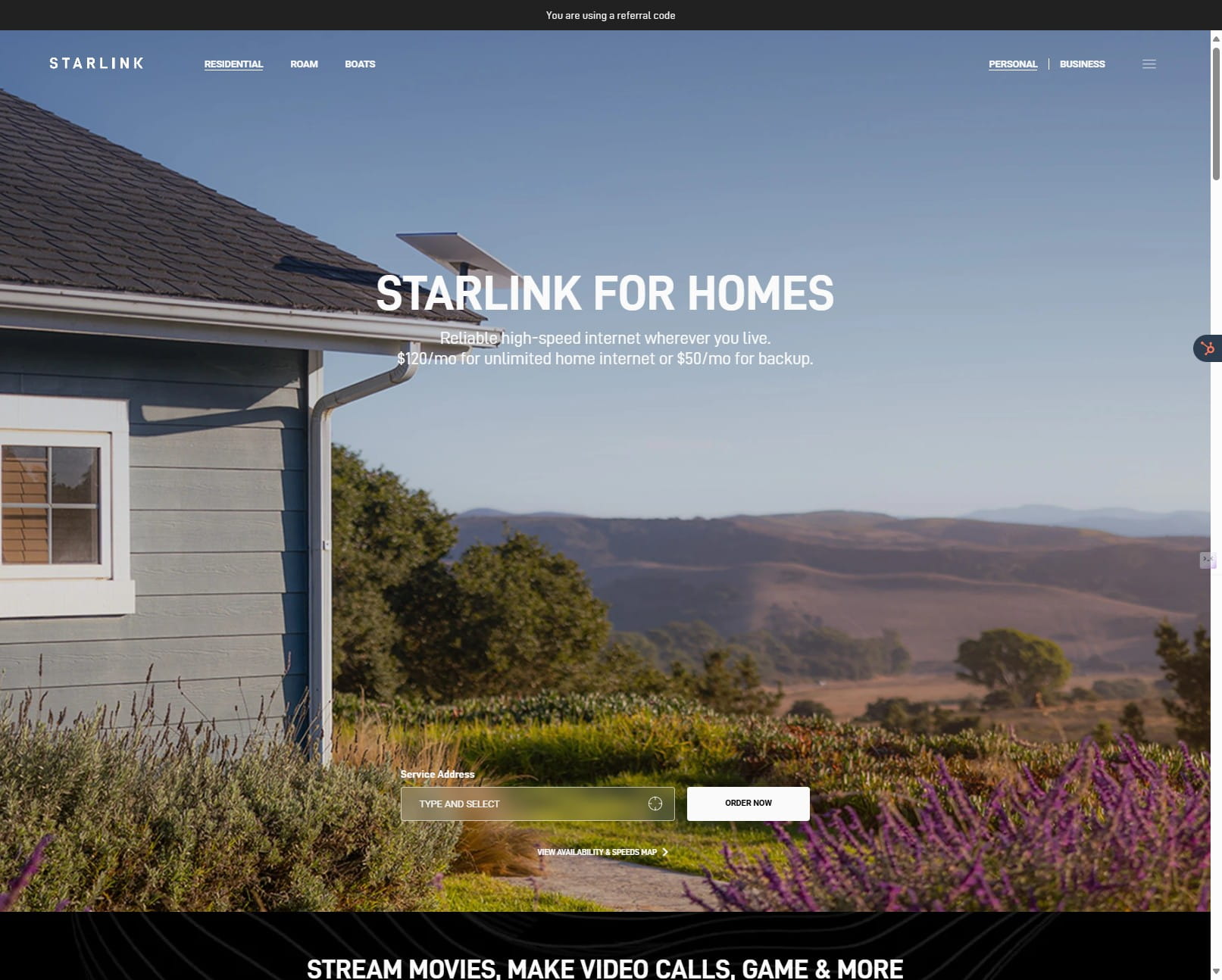
This guide provides a step-by-step walkthrough for setting up a new Starlink account and utilizing referral codes for both residential and roaming plans. It explains how to redeem a referral code for a free month of service and discounted hardware, and also covers navigating congestion charges and the various Roam plan options. It offers tips for maximizing savings and includes a link to resources for finding the best Starlink accessories.
 0
0Frequently Asked Questions
- Are there any contracts or terms?
Nope, in fact the first 30 days are completely no-questions-asked refundable. You can additionally pause and start service as needed.
- What happens if I upgrade for a trip abroad, and want to downgrade back to residential?
Careful here! Some plans do NOT let you revert back to the residential tier once you enter the ROAM or BUSINESS class tier, so read carefully or contact us if you have any questions.